


Where it grows
Balcony, rooftop and rented plot each have their own space, with light and indoor/outdoor noted.
A garden journal for balconies, rooftops and plots
Keep every plant filed by where it grows. Get reminders to water, feed and weed on schedule, and snap a photo to identify plants and diagnose pests.
Three simple questions
No long forms. Give a plant a name and a place to start — AI can draft the care plan for you.
Balcony, rooftop and rented plot each have their own space, with light and indoor/outdoor noted.

Watering, feeding, weeding and pruning on a schedule — outdoor watering adapts to the season.

Yellow leaves or bugs? Take a photo and AI suggests likely causes and what to do next.
Daily schedule
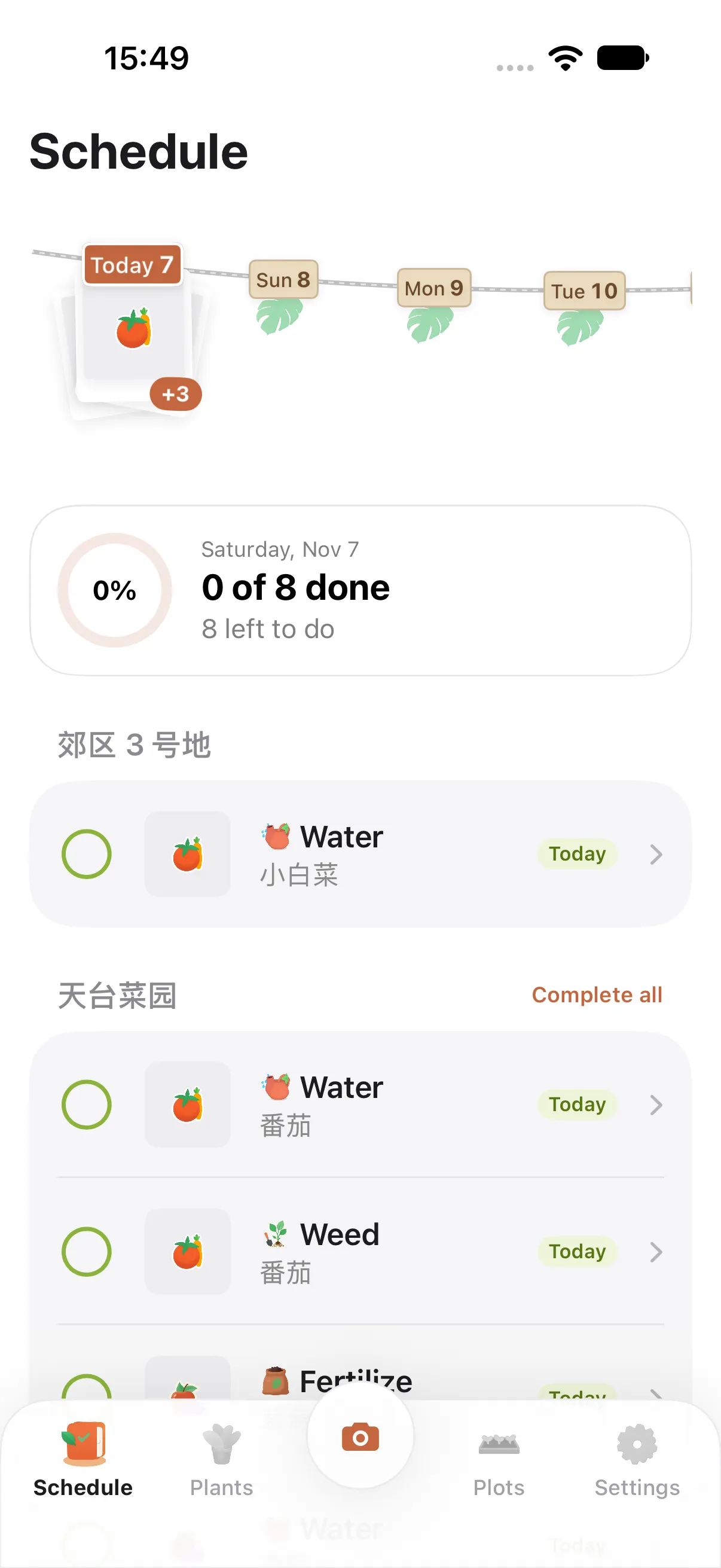
A clothesline at the top holds the plants that need you over the next 7 days. Below, today’s tasks are grouped by place: swipe to postpone or skip, tap to complete.
Many places
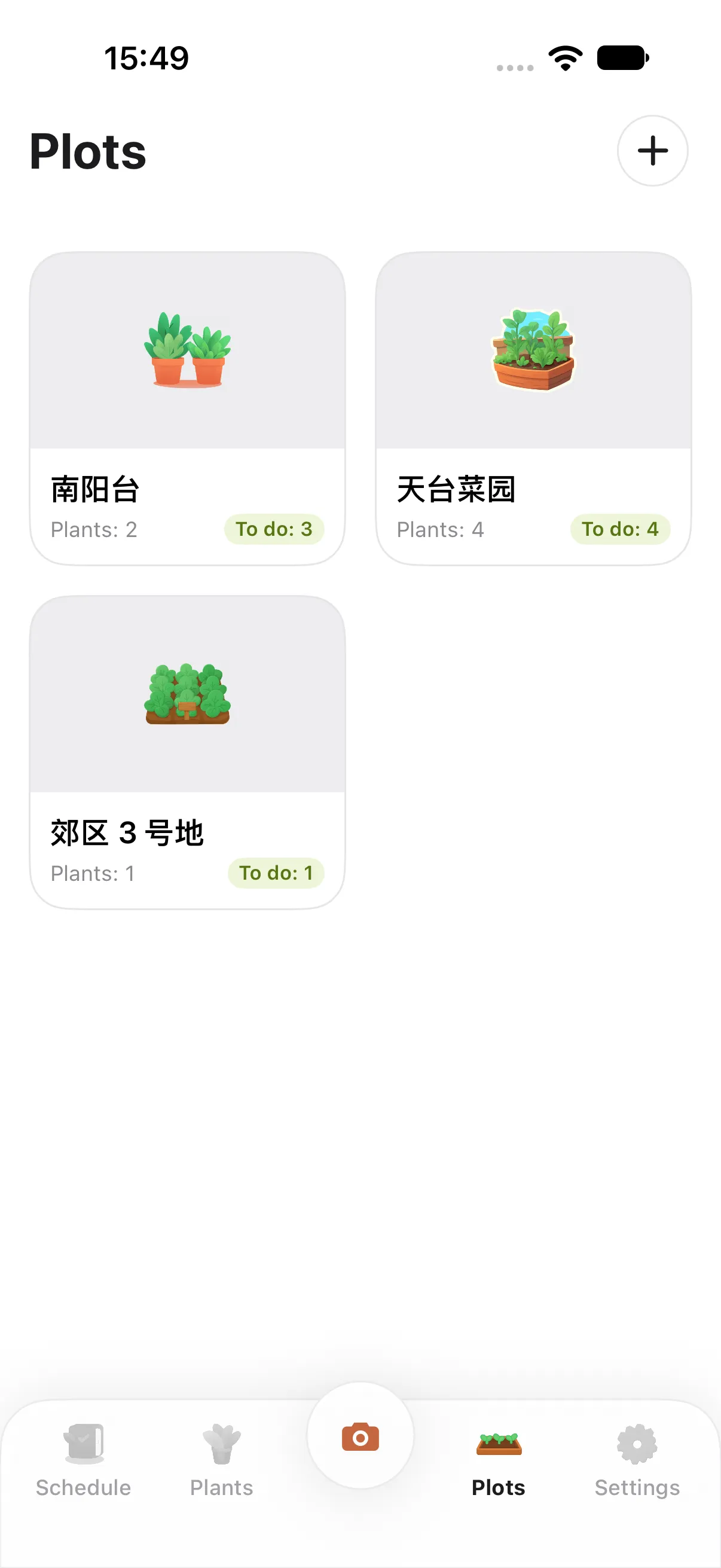
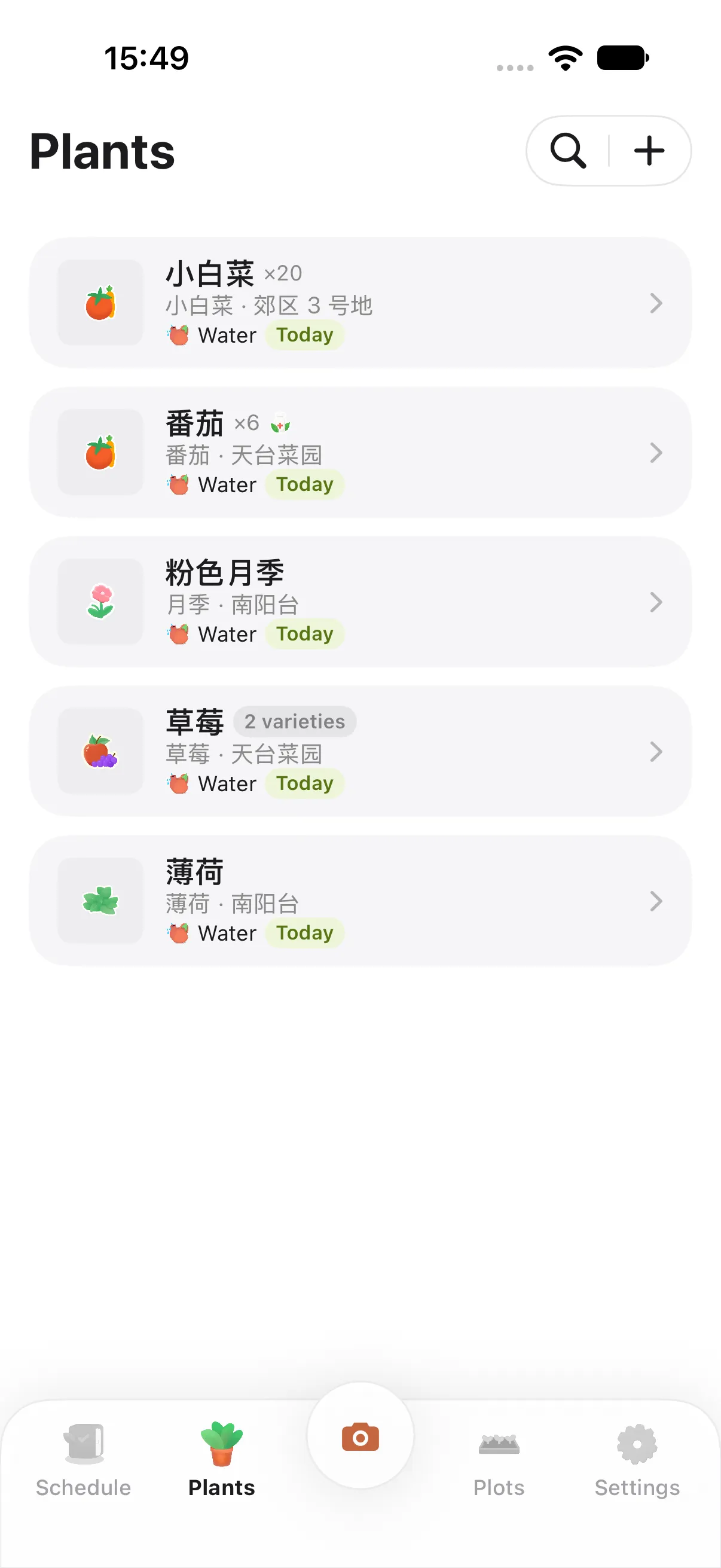
Every growing area gets a card with its cover, plant count and today’s to-dos. Heading to the allotment on Saturday? You’ll know what’s waiting.
Plant journal
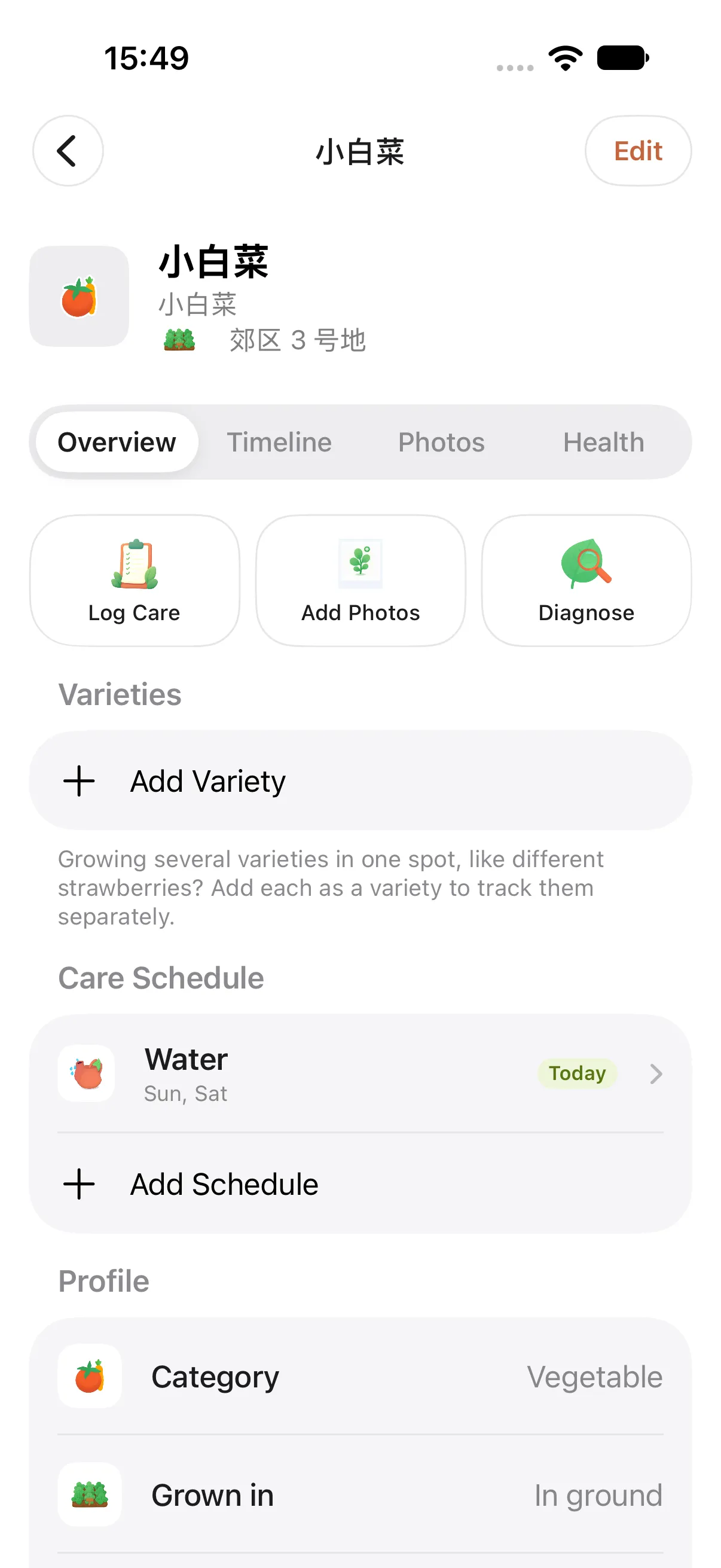
Care plans, timeline, photos and health records live on one page. Growing several varieties in one spot? Track and care for each one separately.
AI identify & diagnose
Identify a plant and get a care plan made for it. When leaves look wrong, diagnose from a photo for likely causes, severity and treatment steps.
And more
Balcony, rooftop, yard, allotment — each managed on its own.
More often in summer, less in winter, outdoors.
Several kinds of strawberries in one bed? Care for each.
Every photo is dated so you can see how far it’s come.
Add a diagnosis as an issue and get reminded to check again.
Tasks on the same day arrive as a single notification.
Follows your system appearance.
English, 简体中文, 繁體中文, 日本語 and 한국어.

iCloud sync
With the same Apple Account, your places, plants, records and photos sync through your own iCloud. No accounts, no sign-up.
A name and a place are enough to begin.
One notification per day, never a flood.
Diagnoses suggest likely causes — always follow product labels for treatments.
PlotKeeper runs on iPhone with iOS 18 or later. There is no dedicated iPad version yet.
On your device. With iCloud sync on, it syncs between your devices through your own iCloud account.
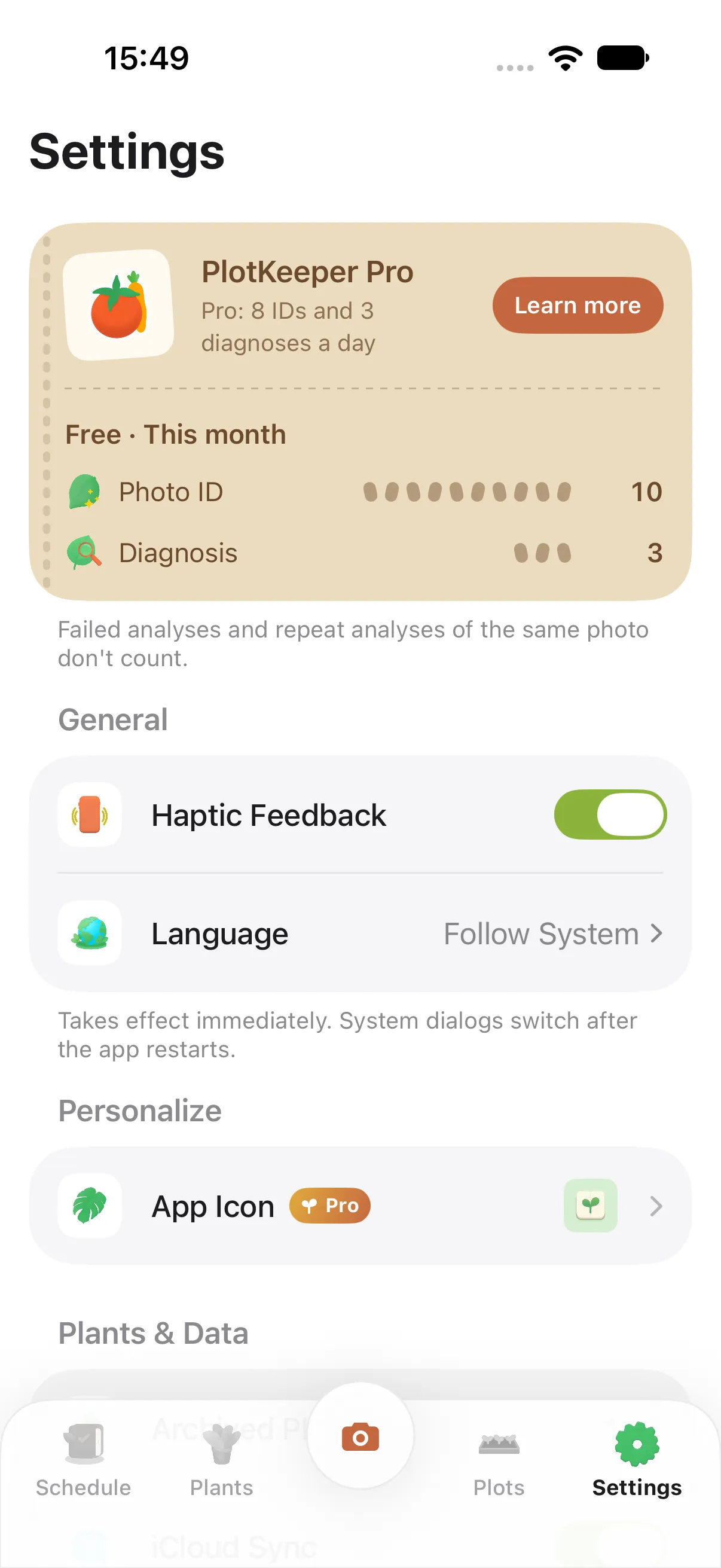
Yes. The free version includes 10 photo IDs and 3 diagnoses a month; PlotKeeper Pro gives you 8 IDs and 3 diagnoses a day.
No. Everything due on the same day is combined into one notification at the time you choose, and you can turn it off in the app.
